Push Without the Laptop Gets Closer
Live 12.4 lets you build controller mappings on the hardware and switch off the scripts that fight with it.
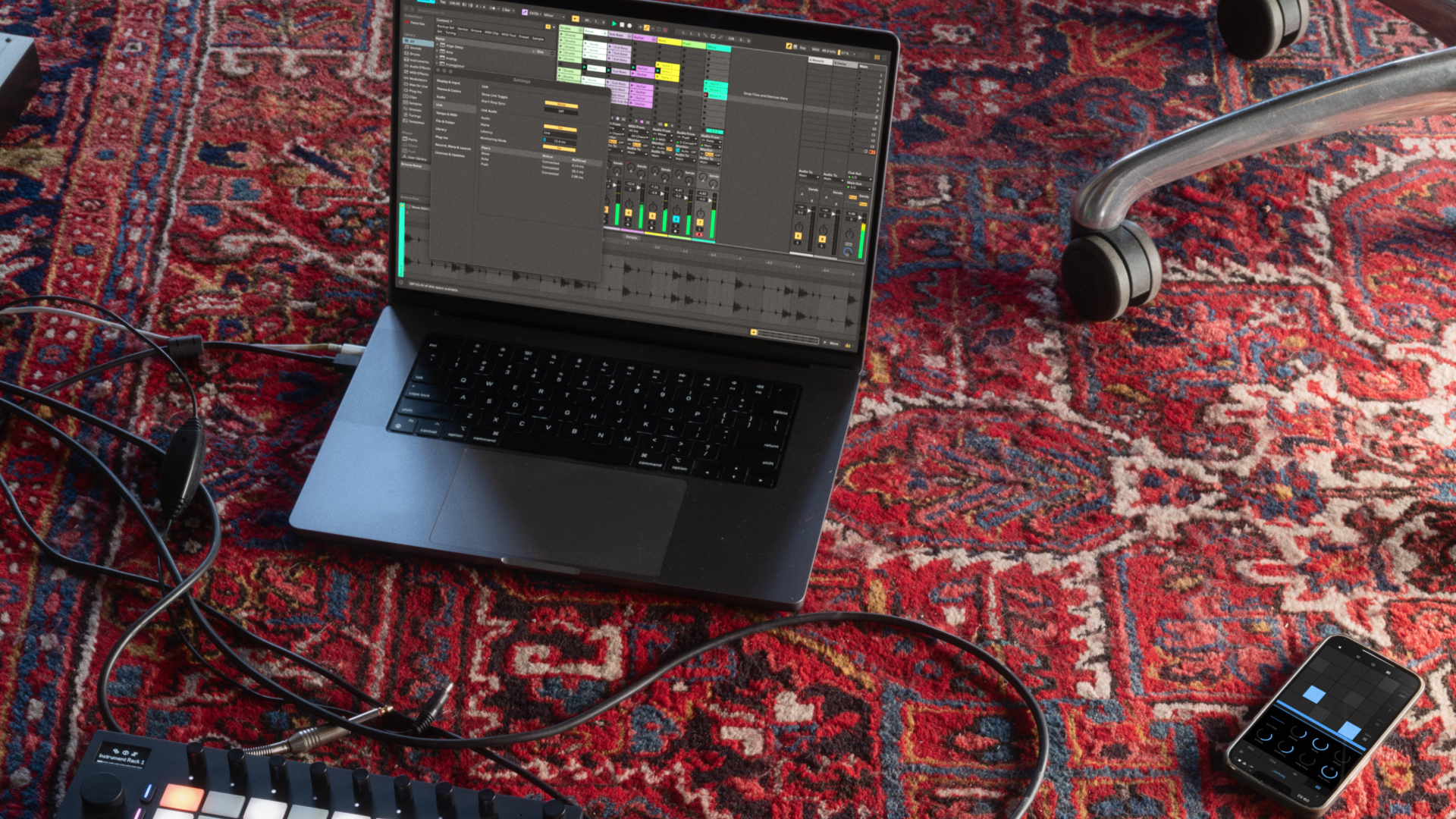
Photo: link preview from ableton.com
With 12.4 you can create and edit MIDI controller mappings directly from Push, and turn off control scripts to avoid conflicts between devices. Max for Live devices can also display more parameters in the device view on Push 2 and 3, and Link Audio works on Push Standalone. The mapping change matters more than it reads. Standalone hardware fails the moment you have to open a laptop to configure it, because the entire premise is that the laptop is not part of the setup. Every configuration task that can be completed on the device removes one more reason to break that premise, and controller mapping was among the most common. The control script fix is equally unglamorous and equally overdue. Anyone running Push alongside another controller has met the situation where two devices claim the same parameters and the result is unpredictable. Being able to disable a script from the hardware turns a twenty-minute diagnosis into a five-second decision. There is a broader signal here. Hardware that keeps gaining capability years after purchase changes what buying it means, and sets an expectation the rest of the market will eventually have to meet: a device released today should grow, not be replaced by a slightly different one in eighteen months.
Available in Ableton Live 12.4.
Do you run a standalone setup with Push?
Tell us what still forces you back to a laptop.
Join the discussion