Ableton Live 12.4 Adds Link Audio and Turns Move Into a Four-Track Recorder
A free update for Live 12 owners that quietly changes what the cheapest Ableton hardware can do.
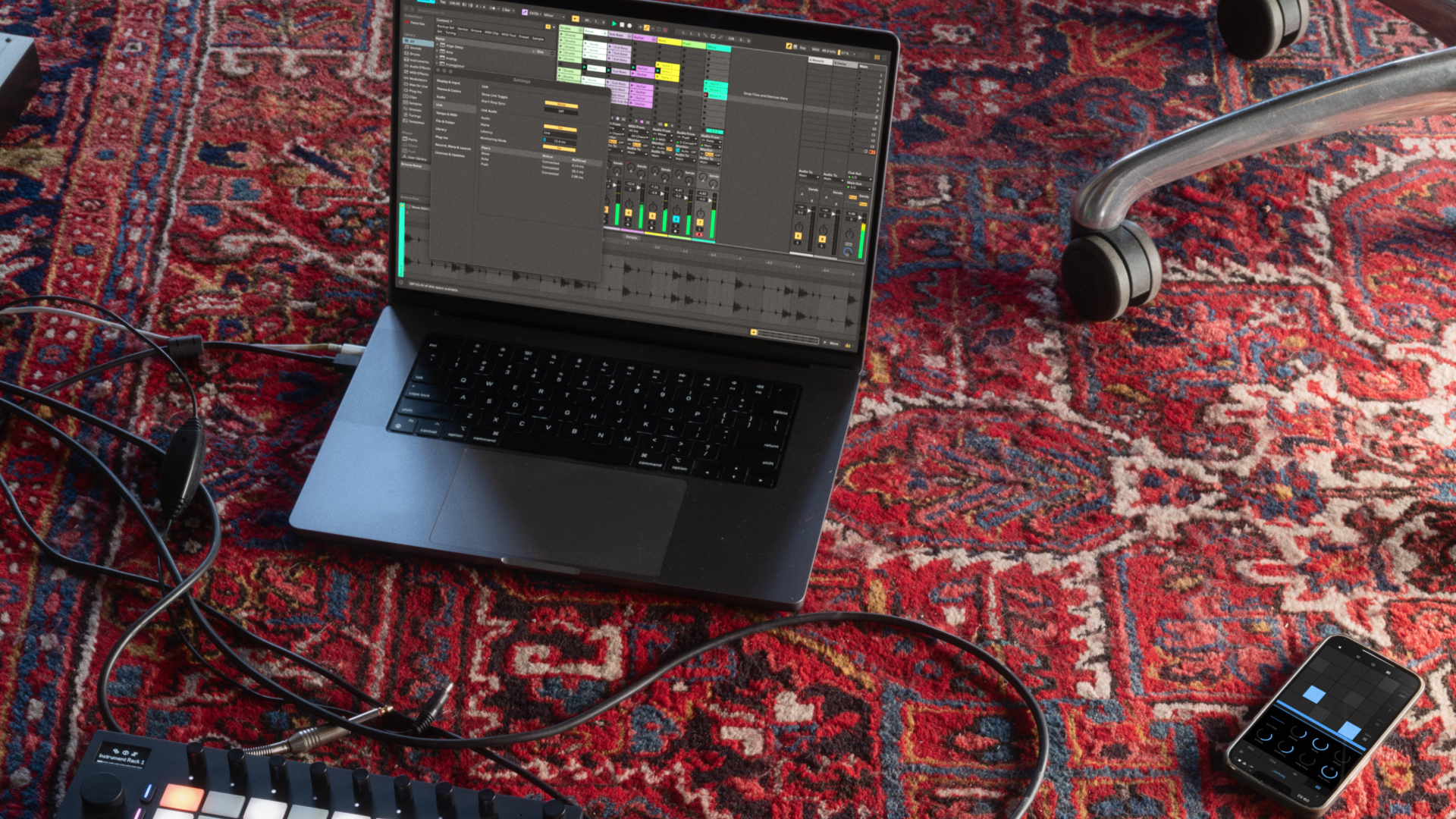
Photo: link preview from ableton.com
Inside Live 12.4
Link Audio
The headline addition streams audio in real time between compatible devices on a local network. In practice that means monitoring or recording an external source without extra hardware or a second interface. Ableton's Link already synchronised tempo between machines; this extends the same idea to the signal itself.
Move becomes a different instrument
Move 2.0 ships with 12.4. Any of its four tracks can now be a MIDI or an audio track, samples can be loaded from the library, and recording works through the microphone, line input or USB-C. A warping algorithm changes tempo or pitch independently. Audio tracks can process incoming sound through their effect chains, which turns Move into a performance effects box.
Devices and workflow
Erosion has been redesigned, with the old version kept as Erosion Legacy. Chorus-Ensemble gains delay time control and Delay adds new LFO time modes and waveforms. Stem Separation can now work on a selected part of a clip and merge stems onto a single track. Help View is replaced by a Learn View built around short videos and written explanations.
What it costs
Nothing, if you already own Live 12: Ableton describes 12.4 as a free update for all Live 12 users. Push owners also get standalone MIDI controller mapping and Link Audio on Push Standalone.
Official overview: https://www.ableton.com/en/blog/live-12-4-is-coming/
Has 12.4 changed how you use Live 12.4?
Tell us what you have made with Link Audio or the new Move.
Join the discussion